Open Net Battle (ONB for short) is a moddable, online, 2D game engine and tools. "Run your own network" with others or create your own content and stories to share.
It is maintained by talented people.
DOWNLOADS#
The latest client is 2.1.6a. See the CHANGELOG.
The latest server version is 47.
Expand the operating system you want to play on below:
SteamDeck
- Client: Download v2.1.6a
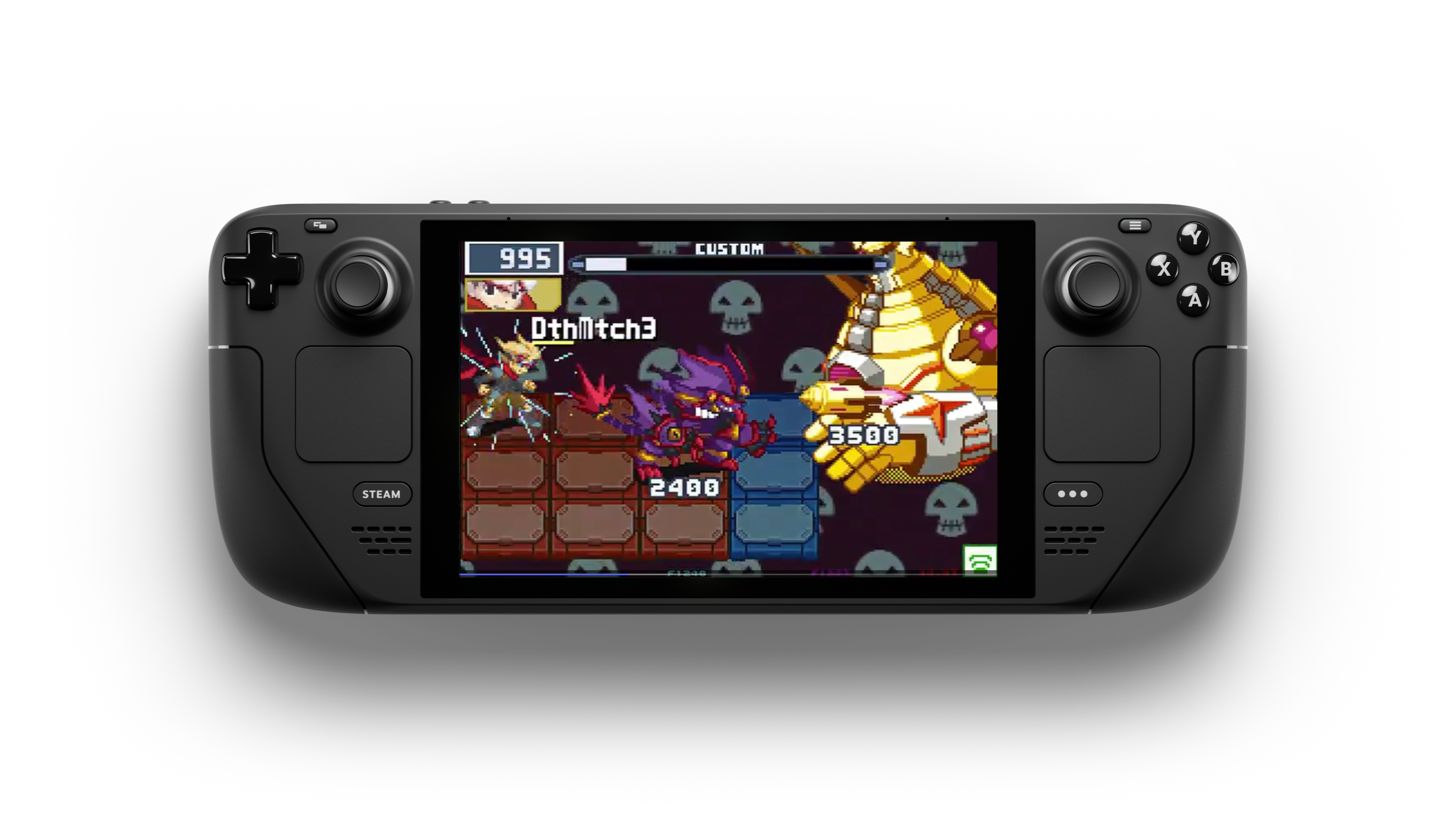
Details
Installing
To install, run
flatpak install ./net.frameskip.OpenNetBattle.flatpak
Controls
After launch, bind your joystick in the Config screen by entering the PET menu.
Mods Installation
The game comes pre-packaged with NO mods.
Add your mods in ~/Games/OpenNetBattle/resources/mods/.
Android
- Client: Download v2.1.6a*
*The android port is currently maintained by a third party. Quality and experience will vary.
Details
Installing
To install, download the APK and tap on it to begin the install.
Minimum Specs
Android: 6.0OpenGL ES: 2.0
Controls
Move: Swipe from the left side of the touchscreenConfirm/A button: Just tap once from the right sideCancel/B button: Instead of tapping once from the right side, do a swipe motion towards the leftR shoulder: Tap the right corner of the screenL shoulder: Tap the left corner of the screenStart/Pause: Tap the top middle part of the screenEscape: Swipe down 3 times from top middle part of the screen
Mods Installation
The game comes pre-packaged with very basic mods.
To upload your own, please drop them in sdcard/Android/media/net.frameskip.opennetbattle/OpenNetBattle/resources/mods.
All Linux Distros
- Client: Download v2.1.6a
- Server: Download v47

Details
Installing
flatpak install ./net.frameskip.OpenNetBattle.flatpak
Controls
After launch, bind your joystick in the Config screen by entering the PET menu.
Mods Installation
The game comes pre-packaged with NO mods.
Add your mods in ~/Games/OpenNetBattle/resources/mods/.
Windows
- Client: Download v.2.1.6a
- Server: Download v47
- Web Launcher: Download
Details
Installing
To install, simply download and extract the ZIP file. Double click on the executable to play.
Controls
After launch, bind your joystick in the Config screen by entering the PET menu.
Mods Installation
The game comes pre-packaged with NO mods.
Add your mods in the resources folder next to the executable ./resources/mods/.
Last updated: 2026-07-07
Tip
First time playing? Expand these tips:
Watch this video by ShaDisNX255.
Download player mods.
Visit MODS to download mods.
FEATURES#
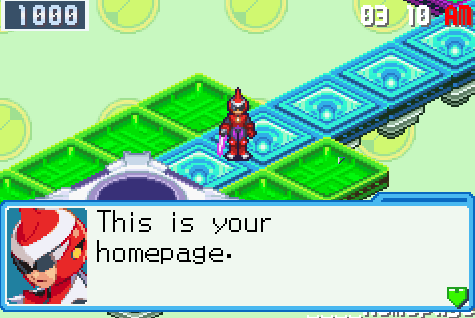
Explore
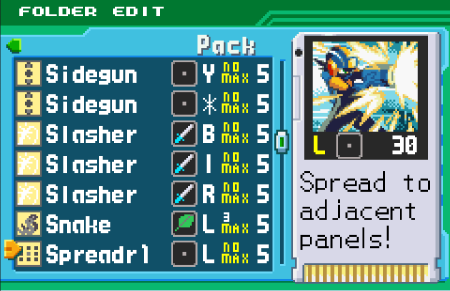
Build Folders
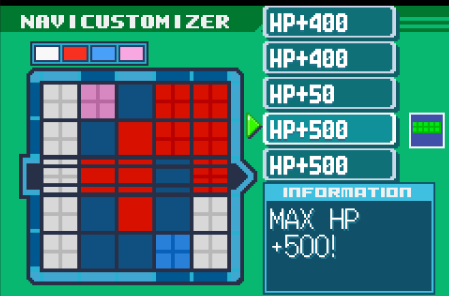
Upgrade Stats
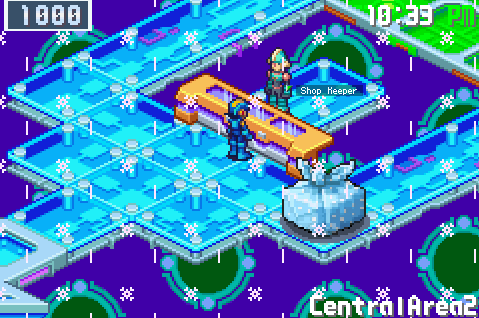
Meet Characters
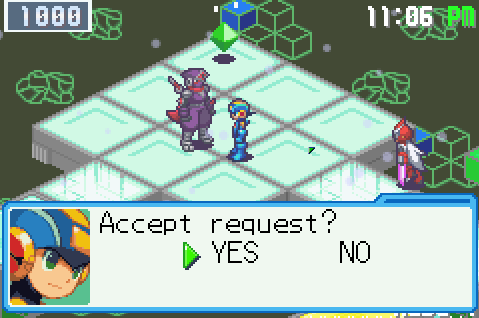
Make Friends
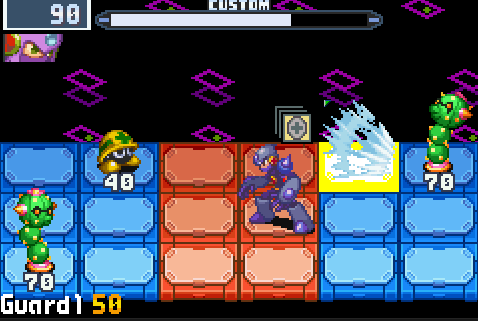
Custom Battles